

About Refracta
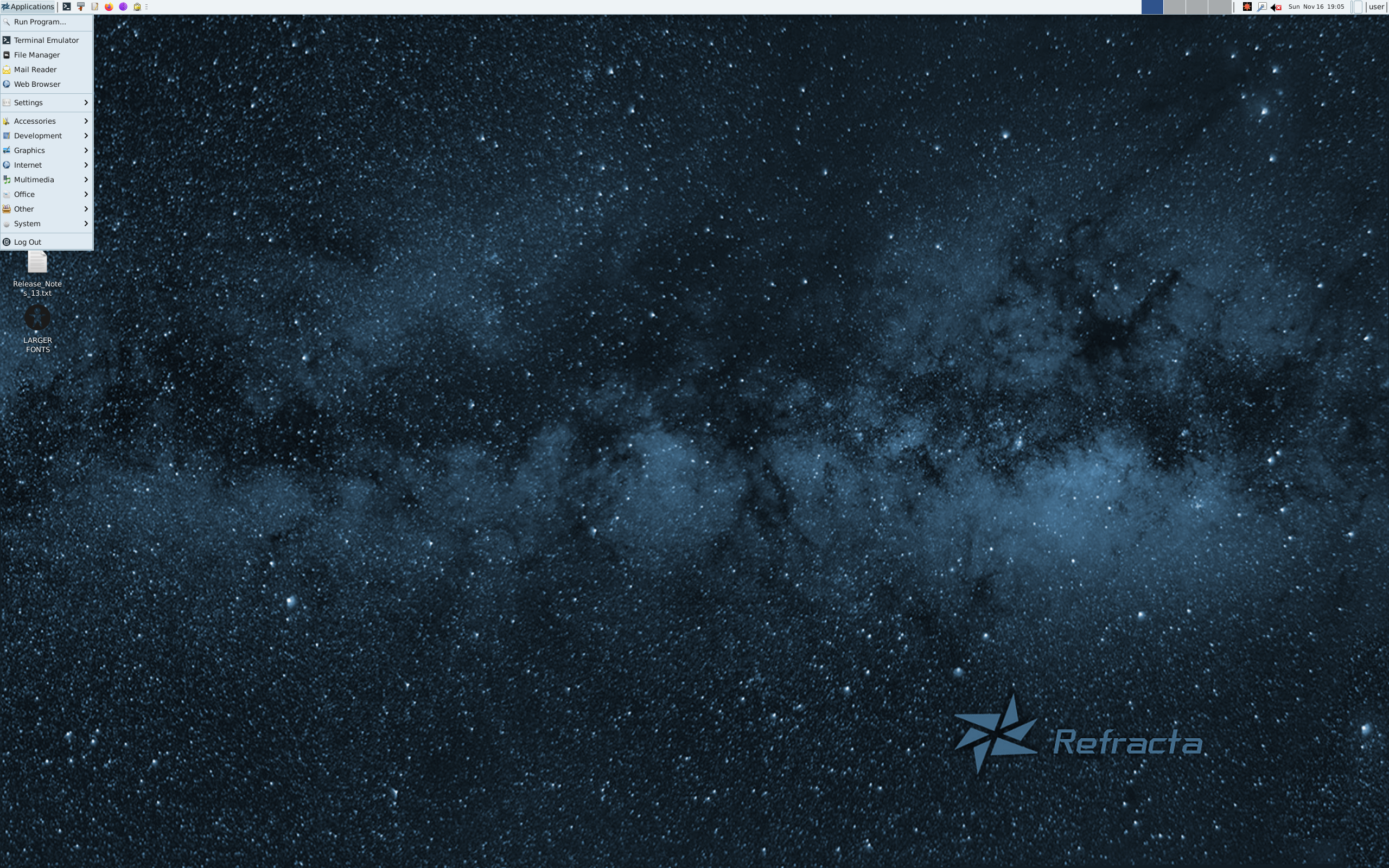
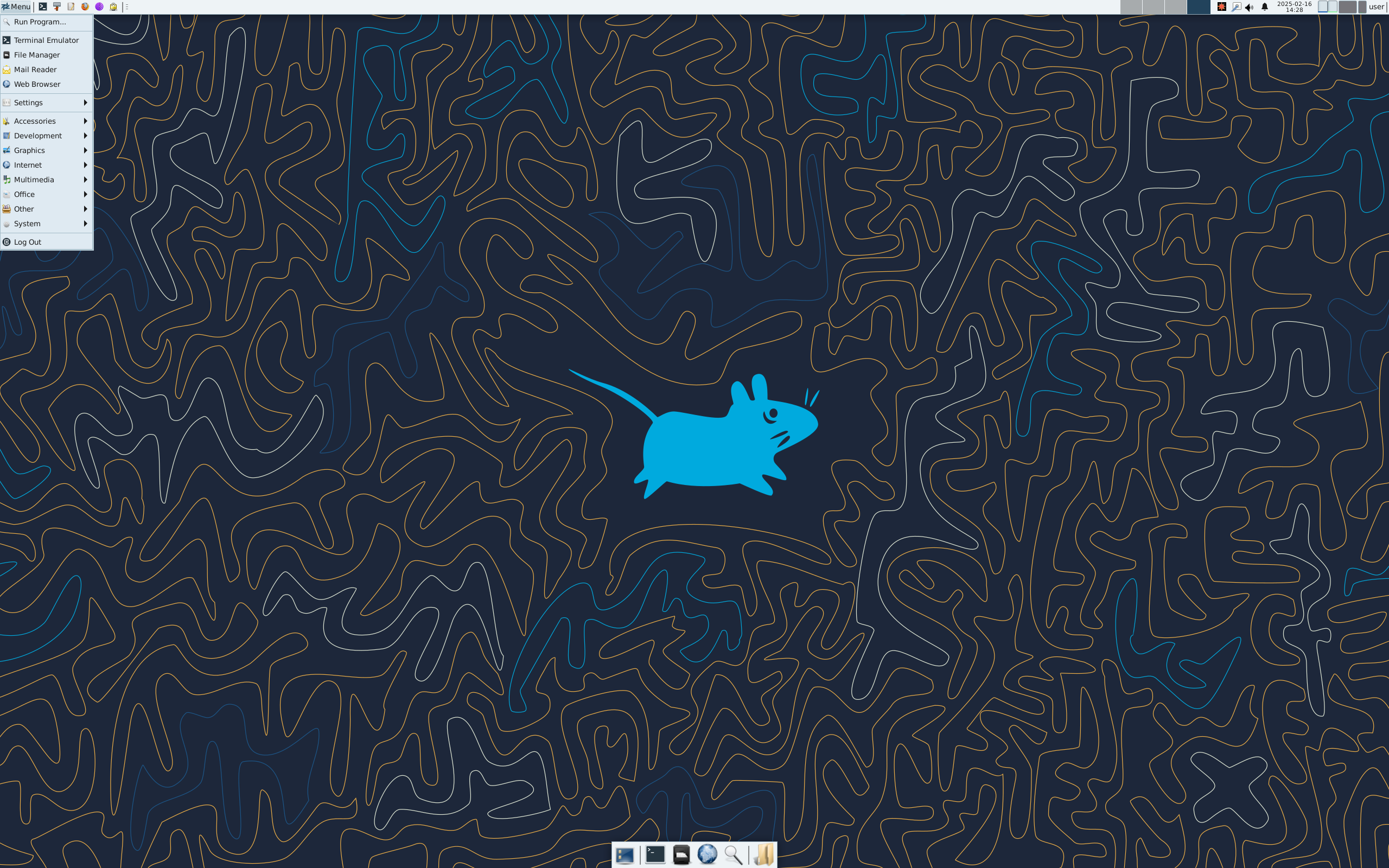
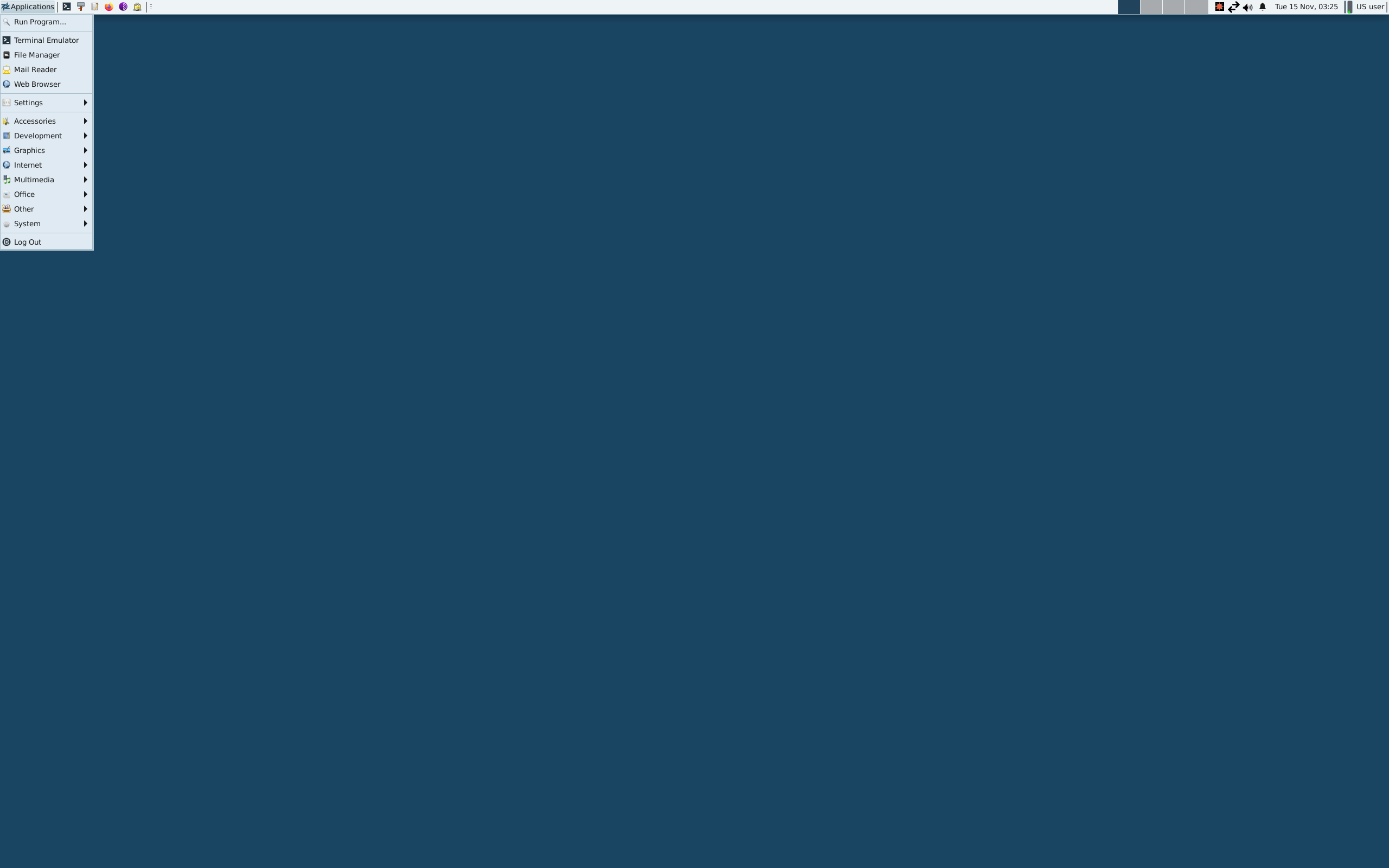
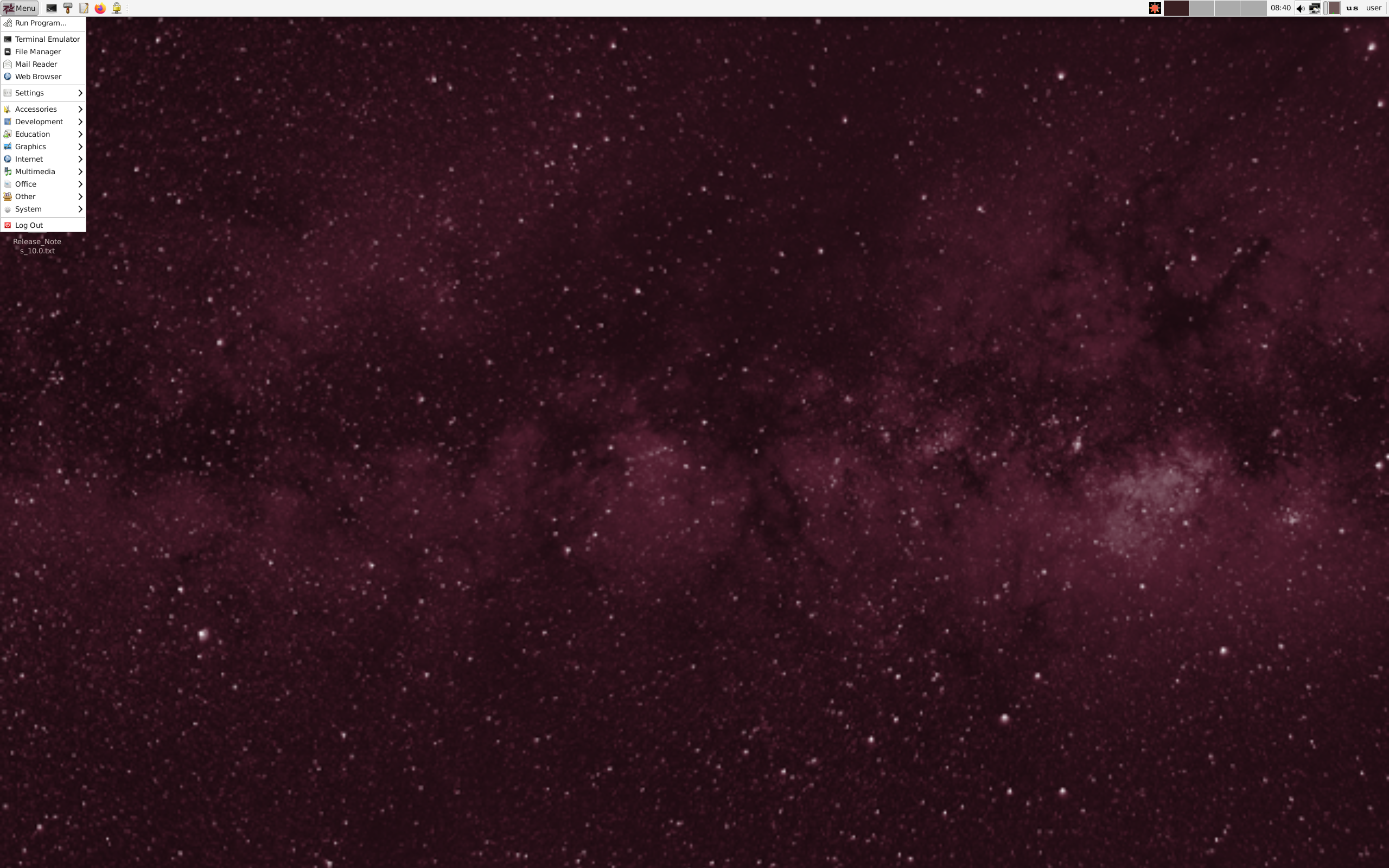
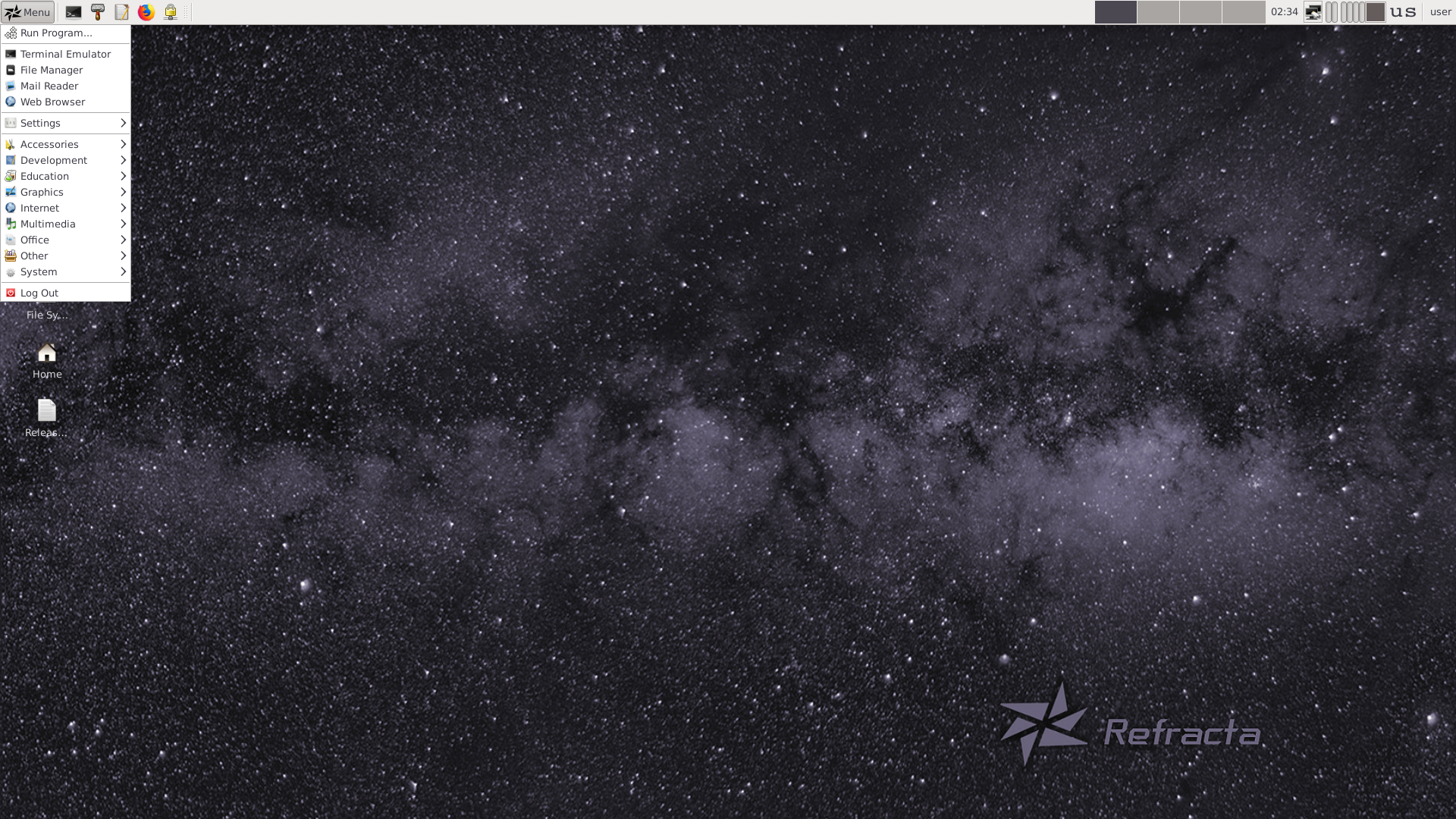
Refracta is a Devuan-based Linux system for home computers and system recovery. It uses an approachable Xfce desktop and includes tools for installing, customizing, and creating live images.
OS overview
This profile gathers the recorded project facts for Refracta, including its family, release approach, desktop options, supported systems, and package tools.
Desktop choices
Xfce
Release and system notes
The recorded release model is Fixed.
| Package format | deb |
|---|---|
| Package manager | apt |
| Init system | SysV |
| Default browser | Firefox ESR |
| Filesystems | Btrfs, ext4 |
| Latest listed release | 13.5 |
Who it may suit
People interested in Xfce can explore this project further. Review the available architecture and release details before choosing a system for a particular device.
Official project
Use the verified official project links alongside this profile for current downloads, documentation, and support.
At a glance
Operating systemLinux
Based onDebian (Stable), Devuan
OriginUSA
StatusActive
CategoryDesktop, Live Medium
Architecturex86_64
Desktop environmentXfce
Release modelFixed
Latest listed release13.5
Popularity snapshot#379 · 35 hits per day
Reader ratingNot catalogued
Package managerapt
Package formatdeb
First releasedNot catalogued


