


About Neko-Void
OS overview
This profile gathers the recorded project facts for Neko-Void, including its family, release approach, desktop options, supported systems, and package tools.
Desktop choices
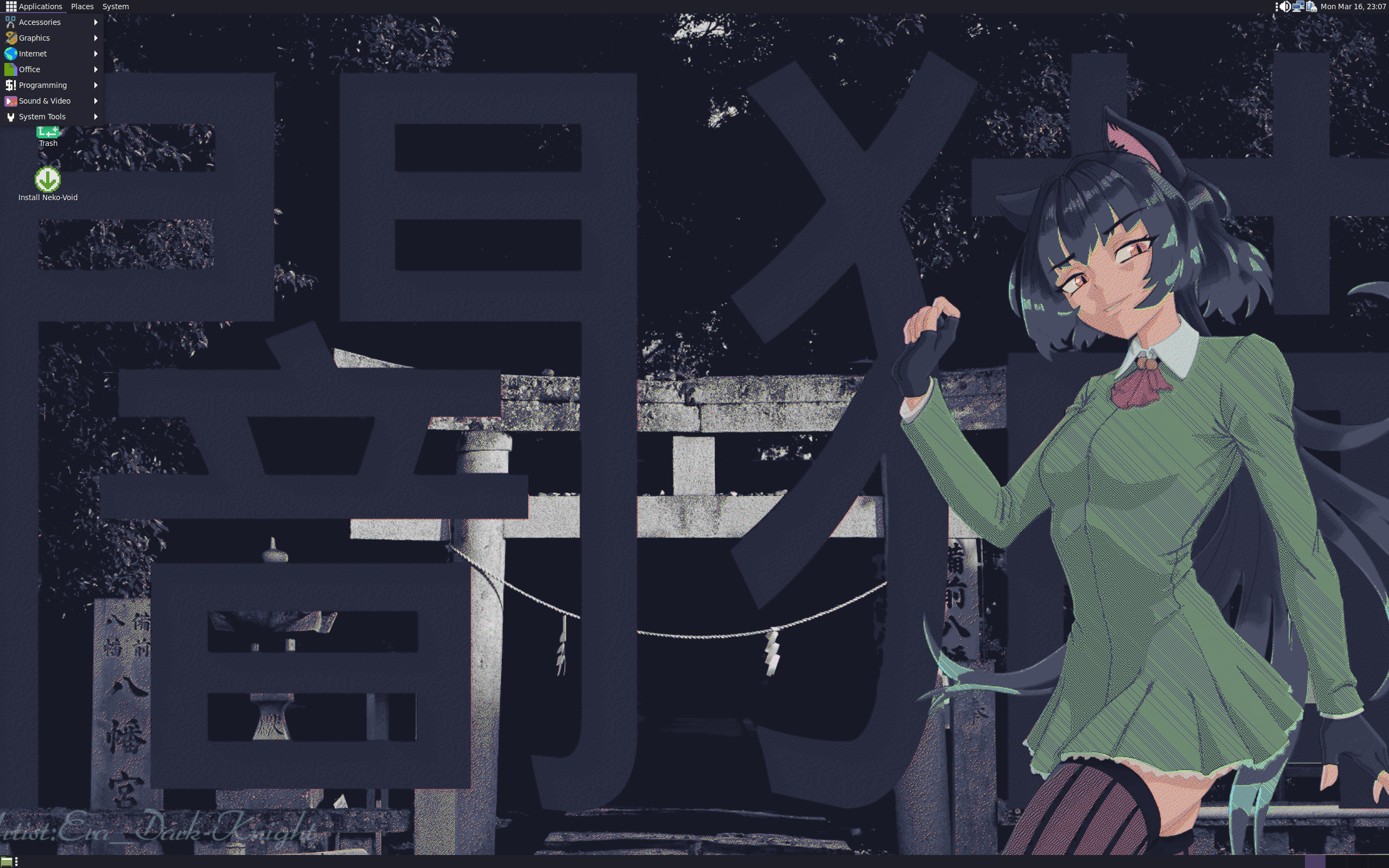
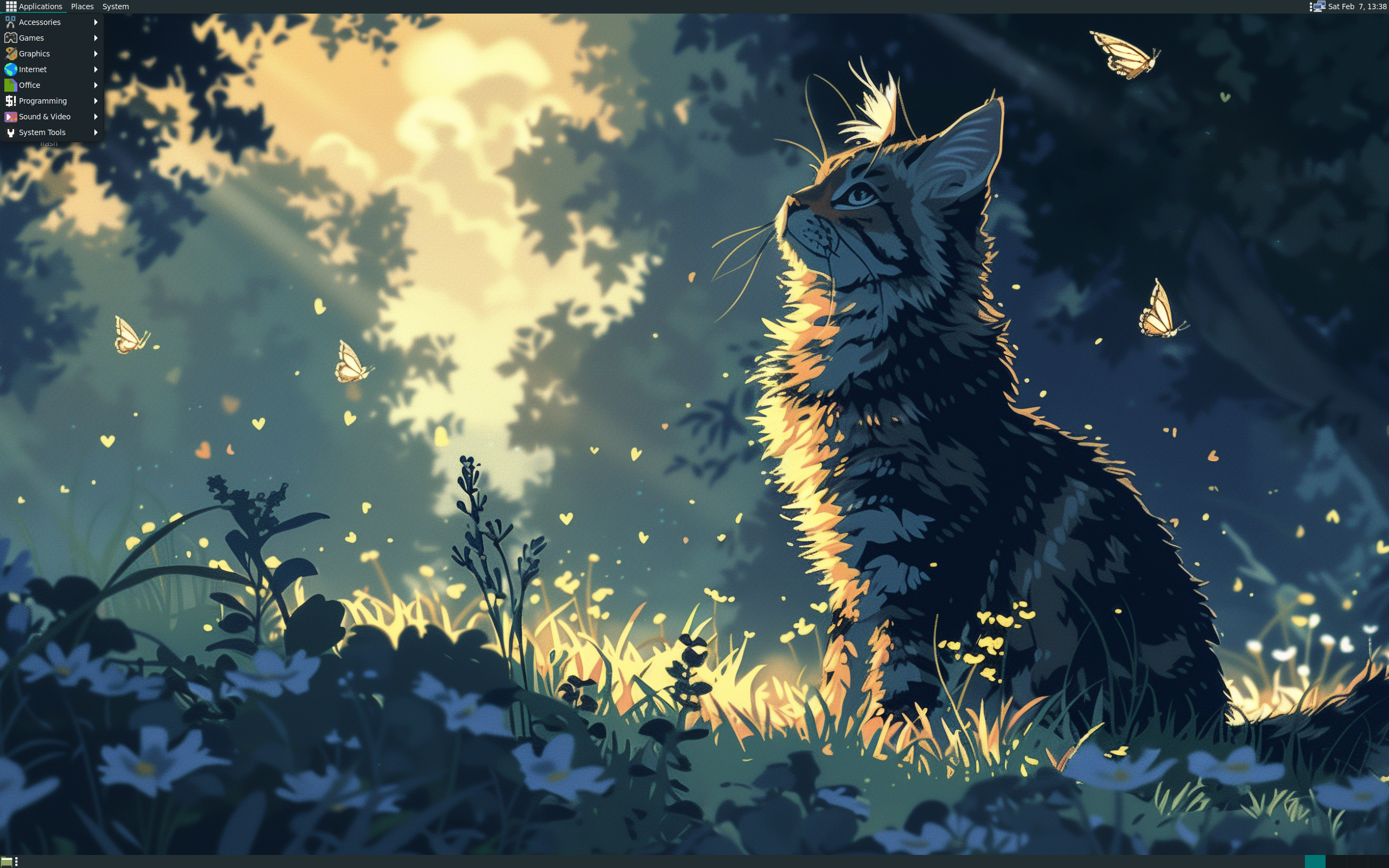
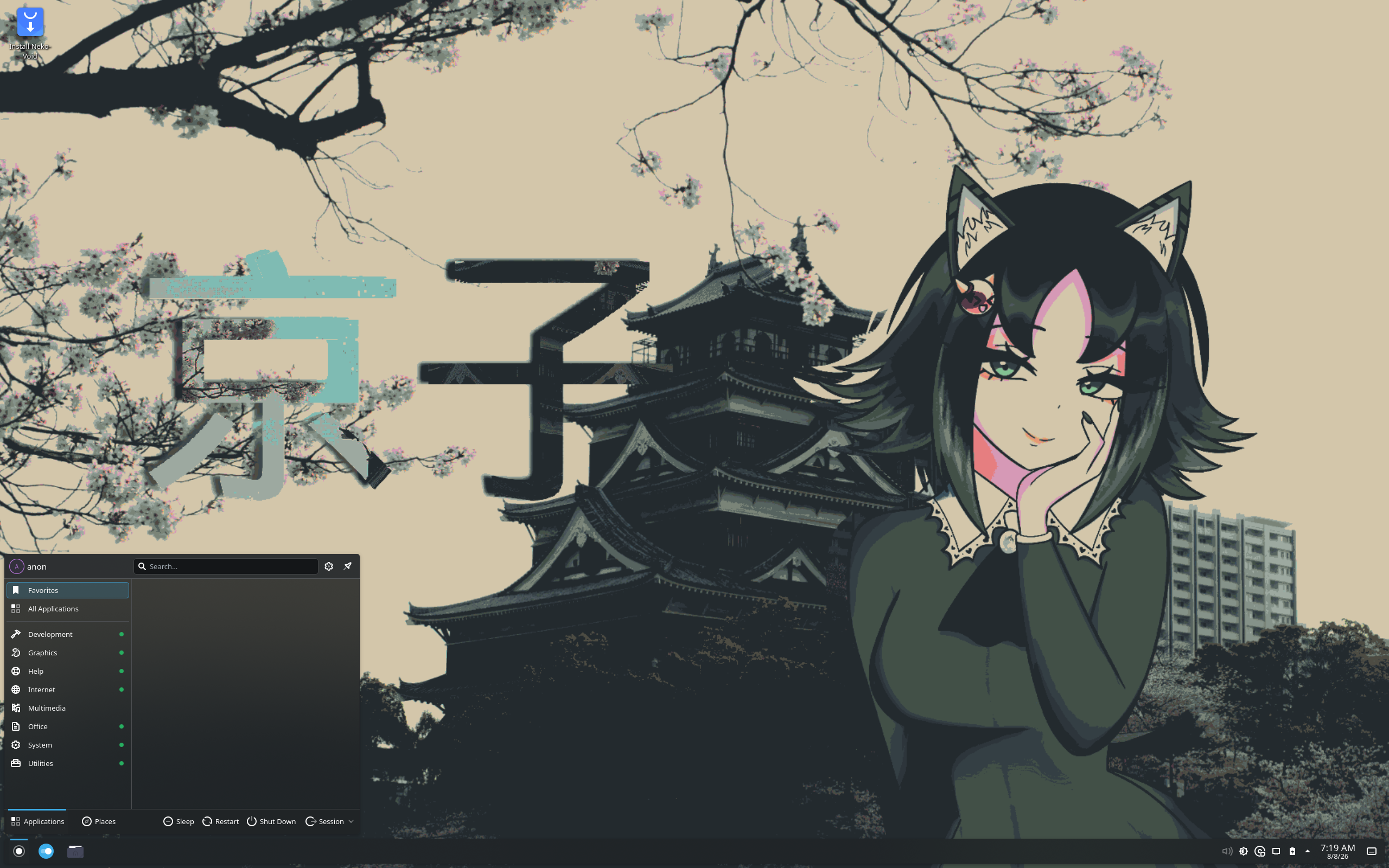
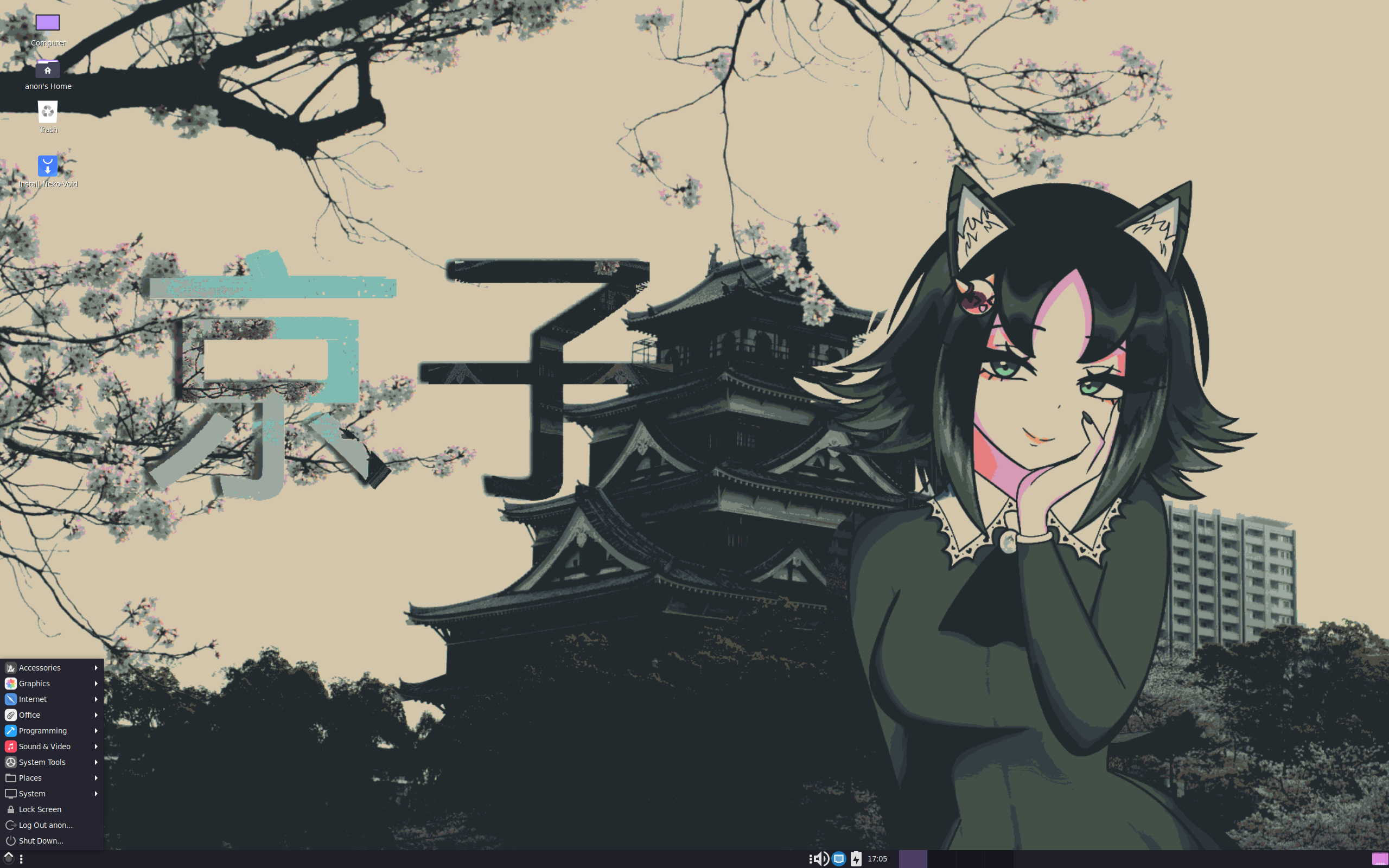
i3, IceWM, JWM, KDE Plasma, labwc, LXQt, MATE, niri, Openbox, Sway, Xfce
Release and system notes
The recorded release model is Rolling.
| Package format | flatpak, xbps |
|---|---|
| Package manager | xbps |
| Init system | runit |
| Default browser | Firefox |
| Filesystems | Btrfs, ext4, XFS |
Who it may suit
People interested in JWM, KDE Plasma, labwc, LXQt, MATE, niri, Xfce can explore this project further. Review the available architecture and release details before choosing a system for a particular device.
Official project
Use the verified official project links alongside this profile for current downloads, documentation, and support.
At a glance
Operating systemLinux
Based onVoid
OriginVenezuela
StatusActive
CategoryDesktop, Live Medium
Architecturex86_64
Release modelRolling
Latest listed releaseNot catalogued
Popularity snapshot#109 · 126 hits per day
Reader ratingNot catalogued
Package managerxbps
Package formatflatpak, xbps
First releasedNot catalogued


